
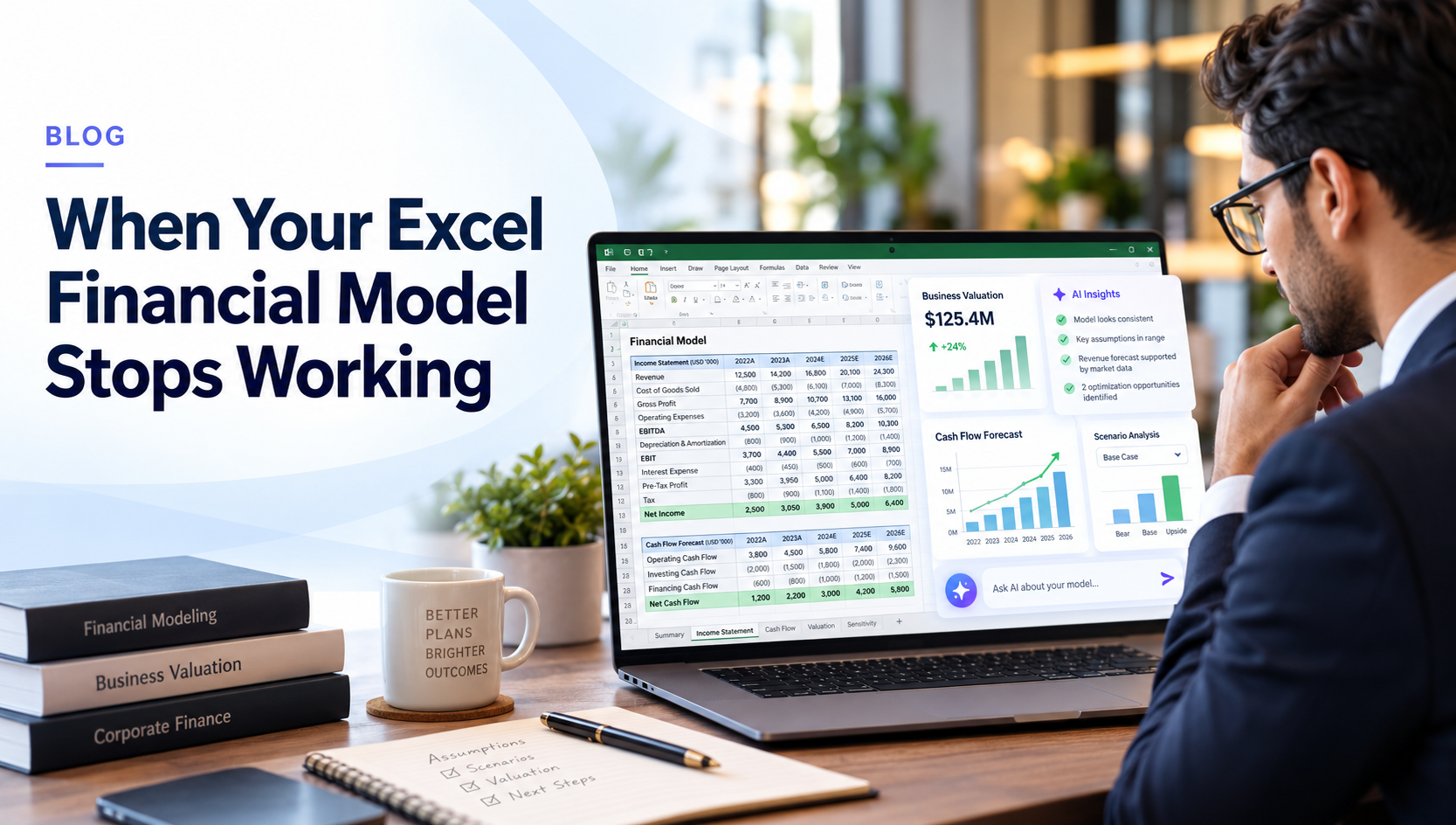
Most founders build their first financial model in Excel or Google Sheets, and that’s usually the right call – it’s flexible, familiar, and free. But as the business grows, dedicated financial modeling software can make it easier to keep projections, assumptions and scenarios connected. The model doesn’t fail because spreadsheets are bad tools. It fails at a specific, predictable point: when one version of the truth stops being enough.
Table of Contents
Why Do Founders Start in Excel in the First Place?
Because it’s genuinely the right tool for a first model. You control every formula, you can build exactly what your business needs without learning new software, and there’s no setup cost. For a single-scenario forecast reviewed by one or two people, Excel does the job well. The problems show up later, and they’re structural, not a sign you built it wrong.
What’s the First Sign a Spreadsheet Model Is Breaking Down?
You stop trusting your own numbers. This usually shows up as version confusion – “final_v3_ACTUAL.xlsx” being emailed around, formulas that reference a cell someone moved, or a founder spending an evening rebuilding last quarter’s forecast because nobody’s sure which tab is current. None of this is a skills problem. It’s what happens when a single-user tool gets used by a team.
Why Does Scenario Planning Get Harder in a Spreadsheet Over Time?
Because every new scenario, a downside case, a delayed-hiring case, a slower-collections case, usually means copying the whole model and manually changing inputs across dozens of linked cells. One typo in a copied formula and the “downside case” silently uses base-case numbers in one line. This is exactly why stress-testing a Q4 budget or building a DCF valuation with multiple scenarios gets genuinely difficult in Excel once you’re past a two- or three-scenario comparison – not because the math is hard, but because keeping every version internally consistent by hand doesn’t scale.
For businesses that regularly compare base-case, downside and growth scenarios, AI-powered financial planning can make these comparisons easier to manage without rebuilding the model manually each time.
Why Does the Model Stop Being Enough Once Investors or a Board Are Involved?
Because they’ll ask to see the assumptions behind the numbers, not just the output – the same scrutiny covered in what investors check before they fund you. A spreadsheet built for internal planning rarely separates assumptions from formulas cleanly enough to hand over without a walkthrough. And once someone outside the model starts changing a cell to “just see what happens,” the original founder’s version and the shared version quietly diverge.
What Changes When Founders Move Off Spreadsheets?
Not the underlying finance; the same P&L, cash flow, break-even, and valuation logic still applies. What changes is that assumptions live in one place instead of scattered across formulas, scenarios update without manual copy-paste, and the numbers stay consistent whether you’re checking break-even, cash flow versus profit, or a valuation view. That consistency is the actual value – not a fancier-looking spreadsheet.
This also becomes important when your financial model needs to support business valuation, because changes in revenue, margins and cash flow can affect the value of the business.
How Do You Know When It’s Time to Make the Switch?
Not on day one. The honest signal is when you’re spending more time maintaining the model, fixing broken links, reconciling versions, rebuilding scenarios, than using it to decide. That’s the point VedaOne’s AI-powered financial modeling is built for: guided inputs that generate your P&L, balance sheet, cash flow, and valuation views together, so the model stays usable as the business, and the number of people looking at it, grows. Start your 14-day free trial, no credit card required.
Disclaimer:
This article is for educational purposes only. Financial projections are estimates based on assumptions. They should not be treated as guaranteed outcomes or as financial, tax, investment, or accounting advice. For high-stakes decisions, businesses should consult a qualified finance, accounting, or tax professional.
Frequently Asked Questions
No – it’s a good starting point. It becomes limiting once multiple scenarios, multiple users, or investor scrutiny are involved.
Version drift – different people working from different, slightly inconsistent copies of the same model.
When maintaining the model takes more time than using it to make decisions.